




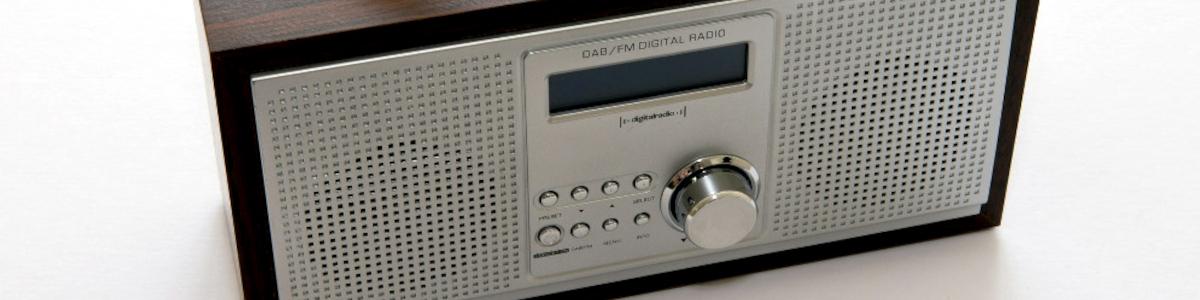
Twee nieuwe DAB-multiplexen versterken radio-aanbod in Londen

Artikel geplaatst door de redactie in Verenigd Koninkrijk
· 1.307 weergaven
In het najaar van 2025 worden in Londen twee nieuwe DAB-multiplexen in gebruik genomen. City West Digital en South of the River Digital zullen samen tientallen extra radiozenders beschikbaar maken voor luisteraars in respectievelijk West- en Zuid-Londen. Elke multiplex biedt plaats aan maximaal 25 stations en vormt daarmee een aanzienlijke uitbreiding van het digitale radioaanbod in de hoofdstad.
Deze ontwikkeling volgt op de herstructurering van een eerdere kleinschalige DAB-proef in Centraal-Londen. Dat gebied wordt nu omgevormd tot de aparte licentiezone North London. Gezamenlijk zullen de drie netwerken het overgrote deel van de huishoudens binnen de M25-regio kunnen bedienen.
City West Digital richt zich op West-Londen en heeft een potentieel bereik van ongeveer 2,8 miljoen mensen. South of the River Digital dekt een gebied met circa 3,2 miljoen potentiële luisteraars.
In totaal worden er negen zendinstallaties ingezet om beide netwerken operationeel te maken.
Aanbevolen antwoorden
Doe mee aan het gesprek
Je plaatst een bericht als gast. Indien je al een account hebt, kun je je nu aanmelden om het bericht met je account te plaatsen.
Opmerking: Je bericht moet eerst worden goedgekeurd door een moderator voordat het zichtbaar is.