




Klassement
-
Ben
Leden1Punten4.479Aantal bijdragen -
Robin Westhof
Leden1Punten4.196Aantal bijdragen


Populaire bijdragen
Inhoud met de hoogste waardering op 05-07-25 in Blog opmerkingen tonen
-
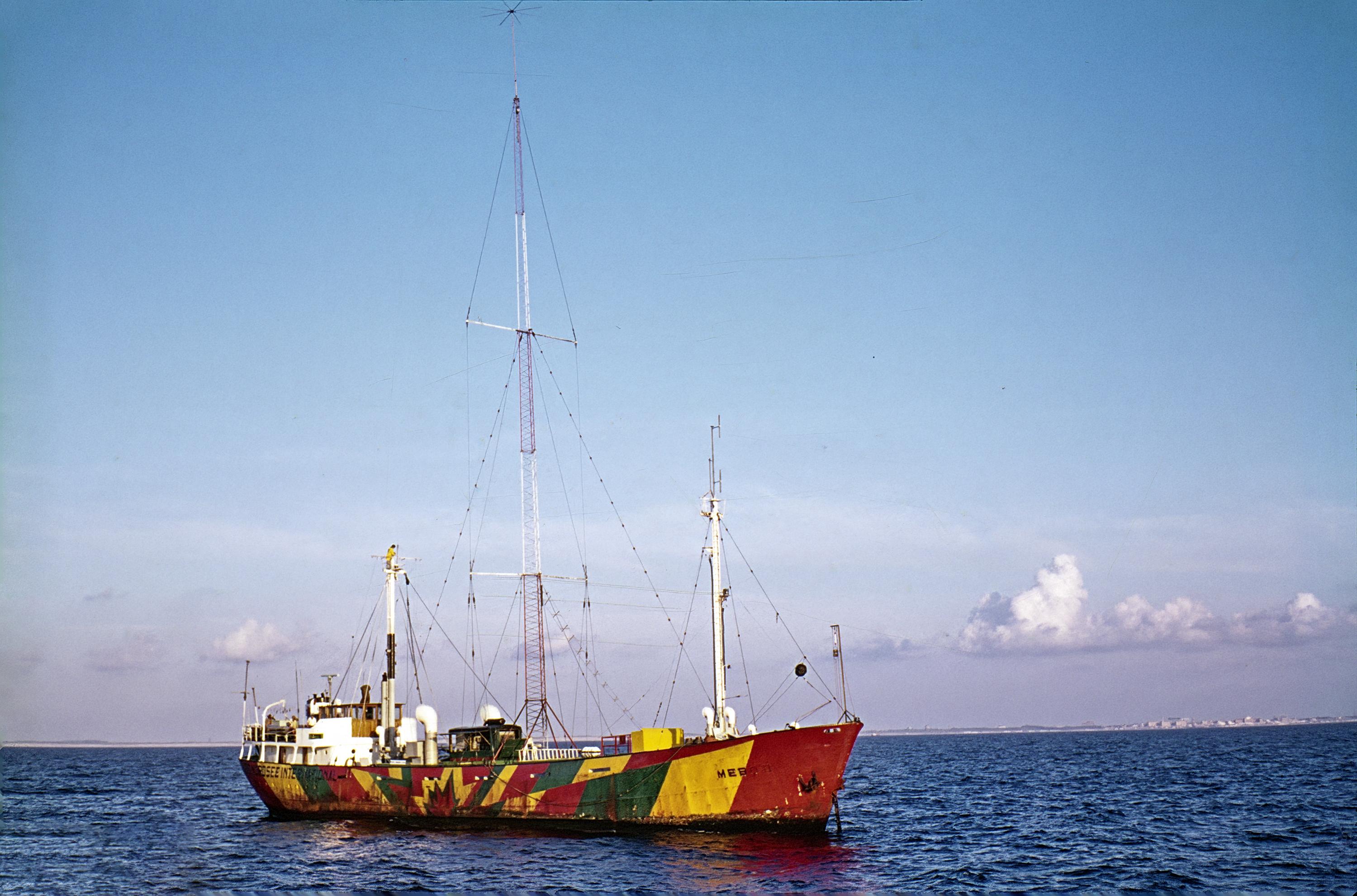
Leuk! Als ik 't me goed herinner werd de LV18 in 1999 voor het eerst gebruikt voor radio uitzendingen tijdens de RNI RSL. Dat was volgens mij ook de enige keer dat het schip op "volle zee" lag. Deze foto is gemaakt door wijlen John Sales.1 punt
-
Dit waren de plannen voor Engeland/Wales/Schotland/Noord Ierland gedurende de jaren 70 tijdens noodsituaties/(nucleaire) oorlog. Snel stoppen met Televisie, ook stoppen met de uitzendingen via Lange Golf, korte tijd doorverwijzen naar Middengolf + FM! frequenties. In eerste instantie een beperkt aantal (uitzend)uren per dag met een 'nationaal'/ 'regionaal' programma ( Wartime Broadcasting Service) voor de verschillende regio's. 1. The BBC War Book is based on instructions laid down in the Government War Book (G.W.B.) to implement Government plans for a national transition from peace to war. The G.W.B. points out that it would be possible for an enemy to launch a surprise nuclear attack against the United Kingdom virtually without warning. It is more likely, however, that the outbreak of war, whether conventional or nuclear, would be preceded by progressive deterioration in the international situation, which would allow time for the implementation of various measures to prepare the country for war. 5. In the event of war, it will be necessary for the BBC to abandon its peacetime services and adopt a wartime broadcasting service (WTBS). The plan for this is linked with the fact that the Government have divided the country into twelve Civil Defence Regions, each equipped with the machinery of Government and headed by a Regional Commissioner. There are nine Civil Defence Regions in England. Scotland, Wales and Northern Ireland are each regarded as separate regions. 7. Normal peacetime broadcasting will continue until a point has been reached at which the Government considers it necessary to order a change to the WTBS. All peacetime broadcasting, both sound and television*, would then be suspended and replaced, on sound only, by a single emergency programme, nationally directed but using a regional system of transmitters and frequencies. This nationally directed programme would be replaced by regionally directed programmes from the moment of attack. Since listening is likely to be restricted to battery-operated receivers, broadcasting, in the initial stages after attack, will require to be limited in order to conserve battery life. The National Programme is capable of development as may be practicable in the light of circumstances as they arise. Wartime Home Broadcasting. 13. The BBC National Programme will originate at Wood Norton, and will proceed via a wartime network, designed to avoid the main centres of population, for transmission on Medium-wave and VHF. The transmitters are so disposed throughout the United Kingdom and Northern Ireland to provide coverage for each Civil Defence Region on its own frequency. https://up.metropol247.co.uk/thegeek/bbcwarbook.pdf1 punt
Dit klassement is ingesteld op Amsterdam/GMT+02:00