




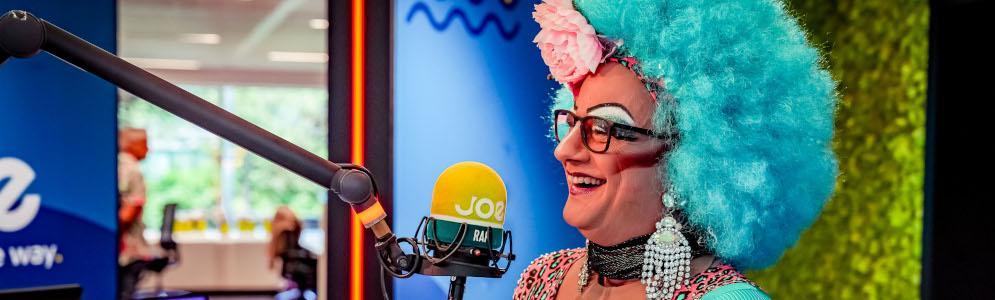
Joe-dj Raf Van Brussel presenteert de avondspits als drag queen

Artikel geplaatst door de redactie in België
· 1.840 weergaven
Joe-dj's Raf Van Brussel & Rani De Coninck trapten afgelopen maandag het nieuwe radioseizoen af op een manier die niemand had kunnen voorspellen. Met de gloednieuwe show ‘Make Up Your Mind’ bij VTM in gedachten, waarin 5 bekende Vlamingen transformeren tot betoverende en onherkenbare drag queens, belde het duo met drag queen Steve Vandercapellen alias ‘Miss Stephany Fame’. Het gesprek begon met een boeiende inkijk in de wereld van drag queens, maar al snel werd duidelijk dat er iets bijzonders in de lucht hing.
Rani daagde Raf uit om de sprong te wagen en zelf de glitters en veren te omarmen. En zo gezegd, zo gedaan. Met de hulp van Danny Calander, de meester achter het ambiancerestaurant ‘Mas'kara’, onderging Raf een ware metamorfose. Het resultaat? De geboorte van ‘Miss Babelutte de Bruxelles’, Rafs eigen alter ego drag queen die vandaag de avondspits presenteerde naast Rani.
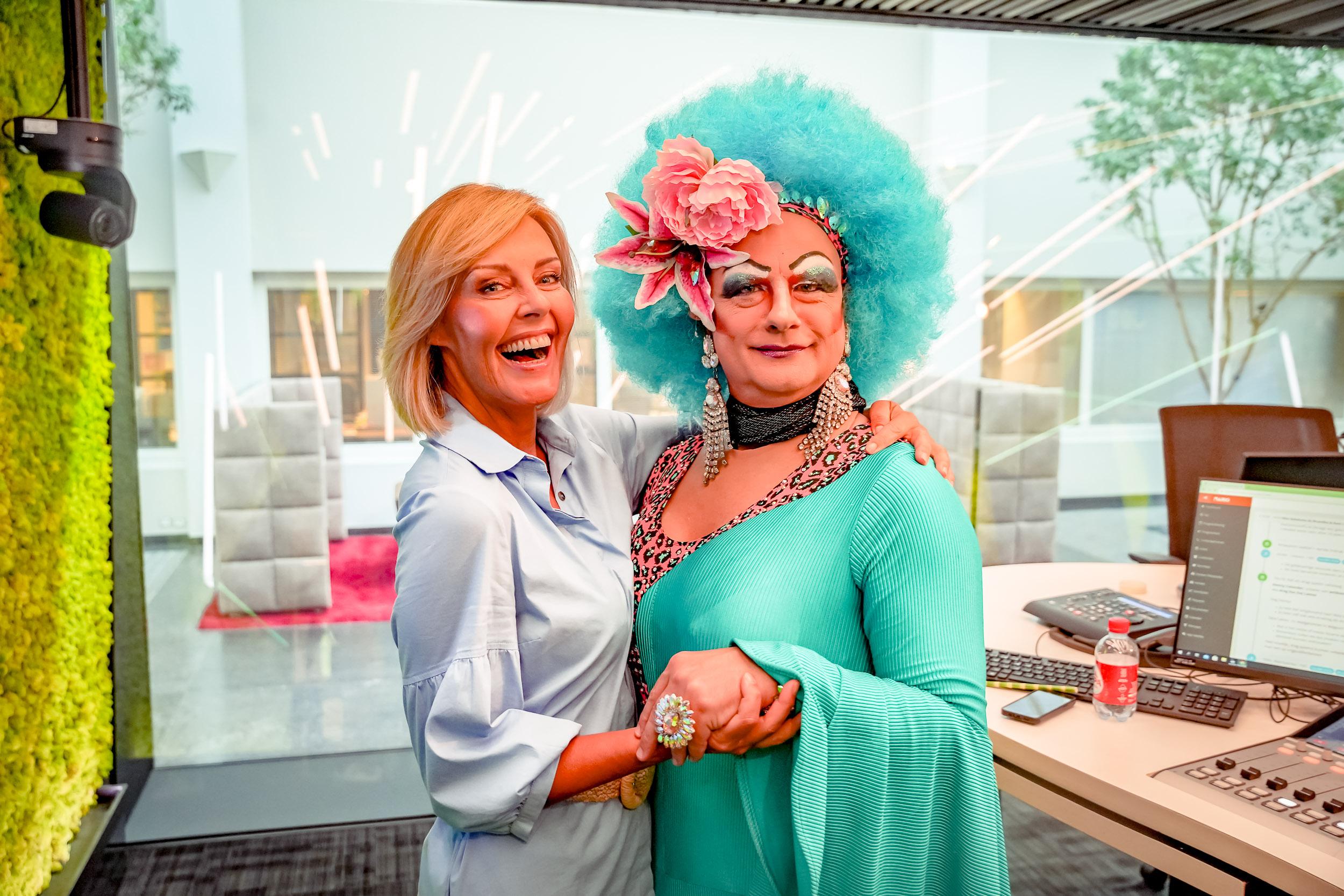
Afbeelding: Rani De Coninck & Raf Van Brussel (foto Joe)
-
 1
1


Aanbevolen antwoorden
Doe mee aan het gesprek
Je plaatst een bericht als gast. Indien je al een account hebt, kun je je nu aanmelden om het bericht met je account te plaatsen.
Opmerking: Je bericht moet eerst worden goedgekeurd door een moderator voordat het zichtbaar is.