




Zomerse start voor Q-Beach House op het strand van Oostende

Artikel geplaatst door de redactie in België
· 1.187 weergaven
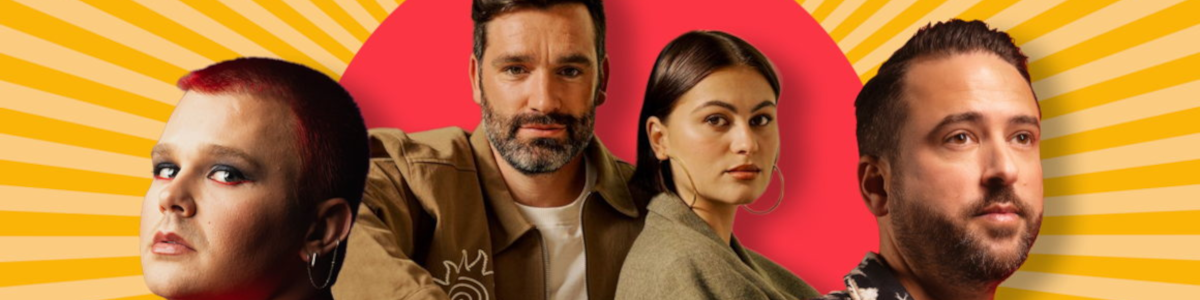
Op zaterdag 28 juni opent Qmusic opnieuw de deuren van het Q-Beach House in Oostende. De radiostudio aan zee is volgens de zender dé plek voor wie houdt van zon, muziek en live radio. De opening wordt gevierd met optredens van Metejoor & LUNA, Red Sebastian en DJ Licious. Tussen 13:00 en 16:00 uur zorgen zij voor een muzikale start van de zomer.
Gedurende de hele zomer, tot en met zondag 31 augustus, is het Q-Beach House dagelijks geopend van 10:00 tot 22:00 uur. Bezoekers kunnen live meekijken hoe de Q-dj’s radio maken vanaf het strand, en genieten van optredens tijdens de Sunset Concerten. Met zicht op zee, voeten in het zand en een Q-Cocktail of mocktail in de hand is het Q-Beach House gericht op een ontspannen zomerse sfeer.
De studio is opgesteld op een centrale locatie aan het strand van Oostende, tussen het Casino en De Koninklijke Gaanderijen, ter hoogte van de Kemmelbergstraat. Het Q-Beach House is vrij toegankelijk voor publiek, en mikt op een mix van luisteraars, strandgangers en muziekliefhebbers.
Afbeelding: foto Qmusic
Aanbevolen antwoorden
Doe mee aan het gesprek
Je plaatst een bericht als gast. Indien je al een account hebt, kun je je nu aanmelden om het bericht met je account te plaatsen.
Opmerking: Je bericht moet eerst worden goedgekeurd door een moderator voordat het zichtbaar is.