




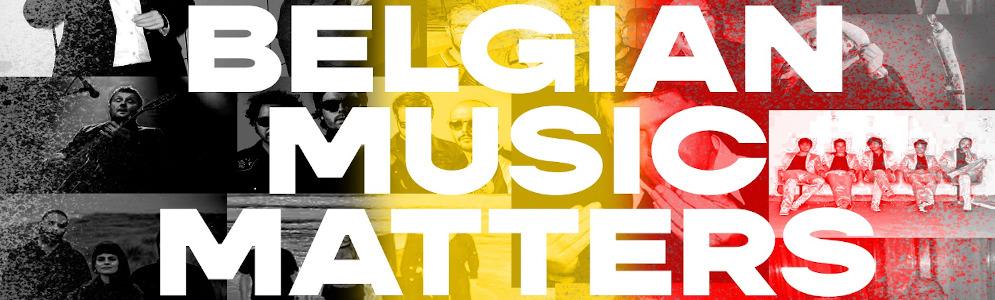
Radiozender Willy staat op woensdag 1 april in het teken van ‘Belgian Music Matters’

Artikel geplaatst door de redactie in België
· 1.420 weergaven
De coronacrisis heeft het dagelijkse leven overhoop gehaald. Optredens worden uitgesteld of afgezegd, tours geannuleerd en concertzalen, groot en klein, sluiten de deuren tot begin april. ‘Music Matters’ bij Willy en daarom wil de radiozender artiesten 'van bij ons', wiens concerten in het water zijn gevallen, een hart onder de riem steken. Willy-dj’s Sofie Engelen en Annelies Orye draaien morgen, woensdag 1 april, alleen muziek van eigen bodem. Ze doen dat tussen 10-16u onder de noemer ‘Belgian Music Matters’. “Als muzikale troost laten we onze Belgische artiesten bij ons ‘optreden’ via de radio. Het wordt een toffe mix van gevestigde waarden, ‘vergeten’ bands uit het verleden en nieuw talent”, zegt Sofie.
Sofie en Annelies hebben de Willy-luisteraars opgeroepen om hun favoriete Belgische plaat aan te vragen. Maar welke Belgisch platen staan eigenlijk bij Willy-dj’s Sofie en Annelies bovenaan het lijstje?
Top 3 Sofie Engelen:
- The Hickey Underworld - Future words
- Wizards of Ooze- Trippin
- Toy - Suspicion
Top 3 Annelies Orye:
- The Sore Losers - Girl’s Gonna Break It
- Goose - Synrise
- Benny Zen & The Syphilis Madmen - Run Back To The Safety Of The Town
Aanbevolen antwoorden
Doe mee aan het gesprek
Je plaatst een bericht als gast. Indien je al een account hebt, kun je je nu aanmelden om het bericht met je account te plaatsen.
Opmerking: Je bericht moet eerst worden goedgekeurd door een moderator voordat het zichtbaar is.