




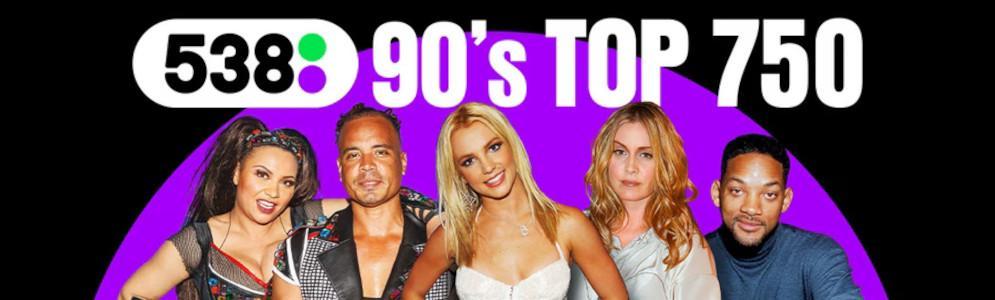
Radio 538 presenteert de 90’s Top 750

Artikel geplaatst door de redactie in Nederland
· 1.679 weergaven
Vanaf zaterdag 17 februari staat Radio 538 weer in het teken van de jaren '90. Zeven dagen lang zal het station de 90’s Top 750 uitzenden, met hits van onder andere Paul Elstak, de Backstreet Boys, Spice Girls en Robbie Williams.
Na het succes van de eerste editie in 2019 en de terugkeer van de 90's Top 538 in 2023, is dit jaar besloten om de lijst uit te breiden naar een Top 750. De lijst is samengesteld door de luisteraars van Radio 538, die de afgelopen weken konden stemmen op hun favoriete 90's hits.
De 90’s Top 750 is te beluisteren op zaterdag en zondag van 12:00 tot 19:00 uur en doordeweeks tussen 07:00 en 18:00 uur. Op vrijdag 23 februari wordt de ontknoping kort voor 14:00 uur bekendgemaakt.
Op zaterdag 24 februari herhaalt Radio 538 de top 100 van de lijst tussen 09:00 en 18:00 uur.
Aanbevolen antwoorden
Doe mee aan het gesprek
Je plaatst een bericht als gast. Indien je al een account hebt, kun je je nu aanmelden om het bericht met je account te plaatsen.
Opmerking: Je bericht moet eerst worden goedgekeurd door een moderator voordat het zichtbaar is.