




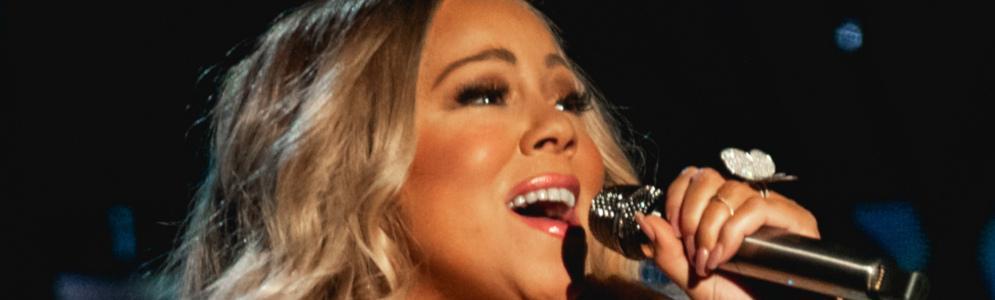
Mariah Carey presenteert speciale kerstuitzending op BBC Radio 2

Artikel geplaatst door de redactie in Verenigd Koninkrijk
· 861 weergaven
Op Eerste Kerstdag maakt Mariah Carey haar debuut als radiopresentator met een speciale uitzending op BBC Radio 2. De zangeres viert het 30-jarig jubileum van haar wereldberoemde kersthit All I Want For Christmas Is You, de meest gestreamde kersttrack aller tijden.
De uitzending, die plaatsvindt van 19:00 tot 20:00 uur, biedt luisteraars een uur vol feestelijke muziek geselecteerd door Mariah zelf. Het programma bevat een mix van kerstklassiekers en moderne favorieten van artiesten die haar hebben geïnspireerd, zoals Aretha Franklin, Stevie Wonder, Whitney Houston, The Jackson Five en Destiny’s Child.
BBC Radio 2 omschrijft de uitzending als een sfeervolle verzameling soulvolle kerstnummers, perfect om in de feeststemming te komen. Met deze unieke bijdrage bevestigt Mariah haar status als de onbetwiste “Queen of Christmas”.
Afbeelding: Mariah Carey (foto Wikipedia)





Aanbevolen antwoorden
Doe mee aan het gesprek
Je plaatst een bericht als gast. Indien je al een account hebt, kun je je nu aanmelden om het bericht met je account te plaatsen.
Opmerking: Je bericht moet eerst worden goedgekeurd door een moderator voordat het zichtbaar is.