




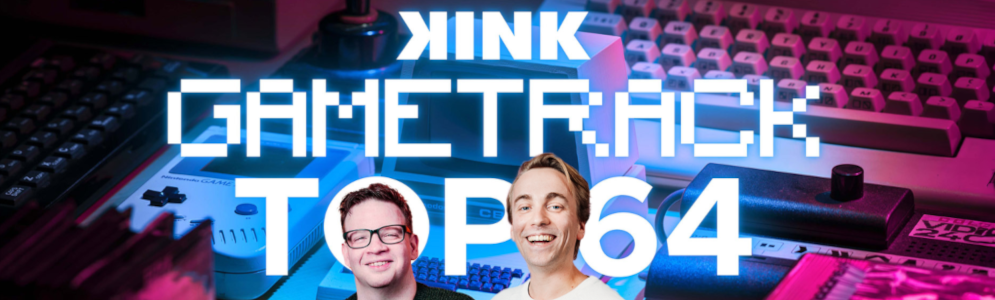
De beste gamemuziek met de Gametrack Top 64 op KINK

Artikel geplaatst door de redactie in Nederland
· 871 weergaven
Dit weekend verandert KINK voor één dag in jouw favoriete gameconsole. Op zaterdag 30 november draait alles om de mooiste en meest iconische muziek uit games tijdens de Gametrack Top 64. Van 12:00 tot 18:00 uur presenteren KINK-dj’s Michiel Jurrjens en Jim Vorwald de 64 beste gametracks die ooit zijn gemaakt.
In de Gametrack Top 64 worden de tracks belicht die menig gamer hebben geïnspireerd, of het nu gaat om de klassieke muziek uit GTA, FIFA, Tony Hawk Pro Skater of Guitar Hero. De unieke mix van muziek en gaming is voor veel mensen een onmiskenbare ervaring. Voor Jim Vorwald was Tony Hawk’s Pro Skater 2 bijvoorbeeld de plek waar hij voor het eerst Rage Against the Machine ontdekte, en FIFA ’99 introduceerde hem aan Fatboy Slim. Michiel Jurrjens herinnert zich zijn urenlange ritten in San Andreas, waar hij muziek ontdekte die hij nog steeds graag luistert.
De top 64 wordt dit jaar voor de tweede keer uitgezonden, nadat ‘Song 2’ van Blur vorig jaar op nummer 1 eindigde. Welke gametrack dit jaar op de eerste plaats eindigt, wordt zaterdag 30 november onthuld.
Afbeelding: Gametrack Top 64 met Michiel Jurrjens en Jim Vorwald (foto KINK)
Aanbevolen antwoorden
Doe mee aan het gesprek
Je plaatst een bericht als gast. Indien je al een account hebt, kun je je nu aanmelden om het bericht met je account te plaatsen.
Opmerking: Je bericht moet eerst worden goedgekeurd door een moderator voordat het zichtbaar is.