




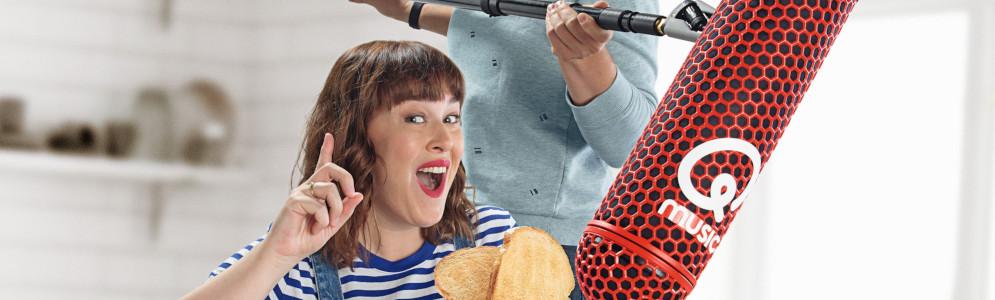
Wie raadt 'Het Geluid' van Qmusic en gaat misschien wel naar huis met 50.000 euro?

Artikel geplaatst door de redactie in België
· 2.277 weergaven
Vanmorgen, maandag 14 september, startte opnieuw de zoektocht naar Het Geluid bij Qmusic. Wie ontdekt wat het is, wint een geldbedrag dat elk uur groter wordt. “En deze keer hebben we ook iets extra speciaals, want elke werkdag spelen we om 09:30 uur de Superronde met drie luisteraars. Als je dan een juist antwoord geeft, win je sowieso 50.000 euro!”, vertelden Qmusic-duo Maarten Vancoillie en Dorothee Dauwe.
Vanmorgen waagden al enkele luisteraars hun kans, zo dacht Els uit Hasselt dat er een ballon werd opgeblazen, meende Jan uit Wingene het geluid van een appel die opgegeten werd te horen, dacht Sander uit Tielen dat er een wc-rol vervangen werd. Het geluid is op dit moment al 700 euro waard. Alle foute antwoorden zijn terug te vinden via qmusic.be/het-geluid.
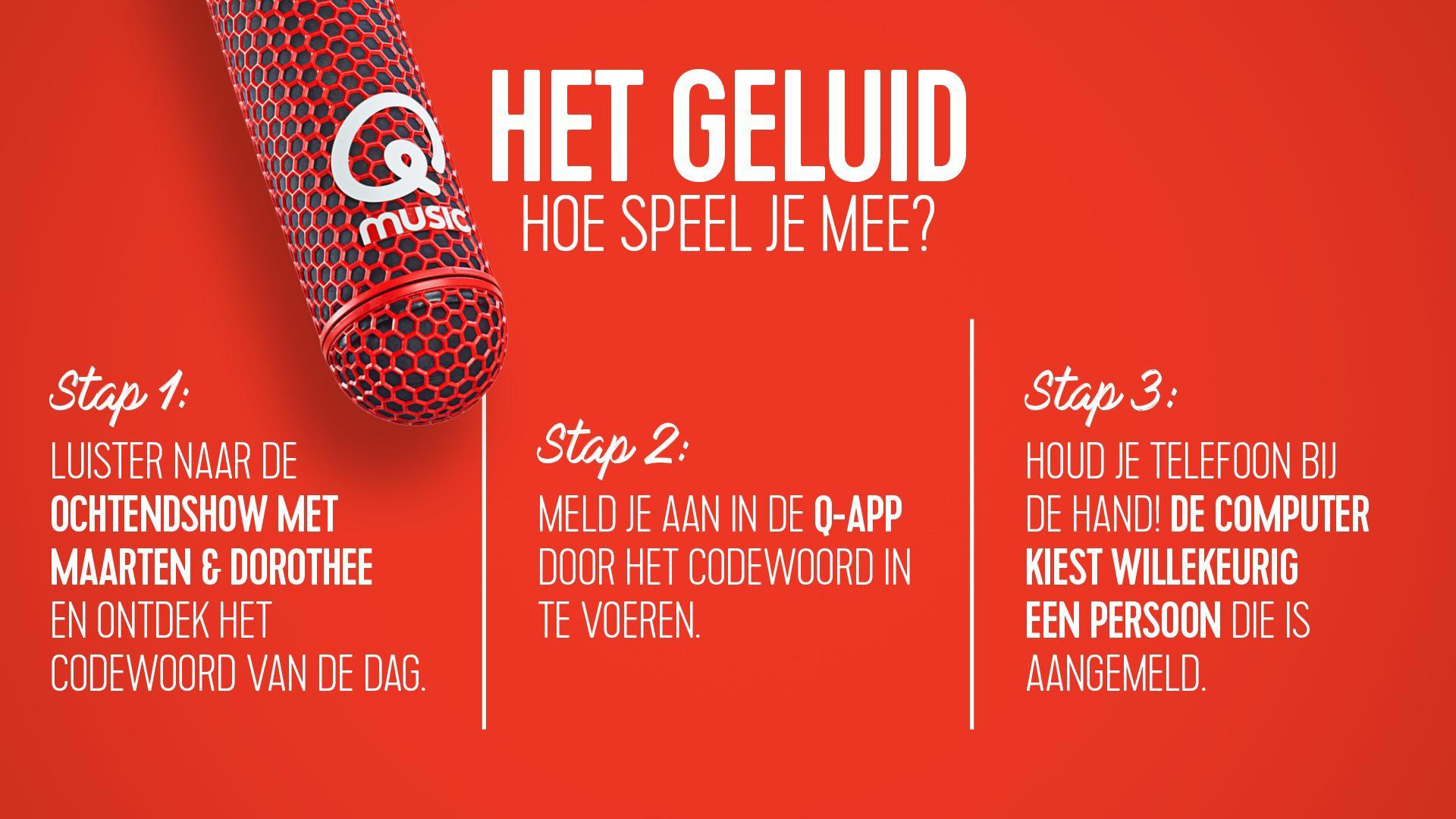
Luisteraars kunnen elke weekdag tussen 07:00 en 19:00 uur meespelen met Het Geluid. Daarvoor hebben ze het codewoord nodig, dat Maarten en Dorothee elke weekdag tijdens de ochtendshow lanceren. Met dit codewoord kan iedereen zich aanmelden in de Q-app om mee te spelen. Het Geluid wordt ieder uur gespeeld op de radio en bij elk fout antwoord wordt Het Geluid € 100 meer waard.
Afbeelding: Dorothee Dauwe (foto Qmusic)
-
 1
1





Aanbevolen antwoorden
Doe mee aan het gesprek
Je plaatst een bericht als gast. Indien je al een account hebt, kun je je nu aanmelden om het bericht met je account te plaatsen.
Opmerking: Je bericht moet eerst worden goedgekeurd door een moderator voordat het zichtbaar is.