




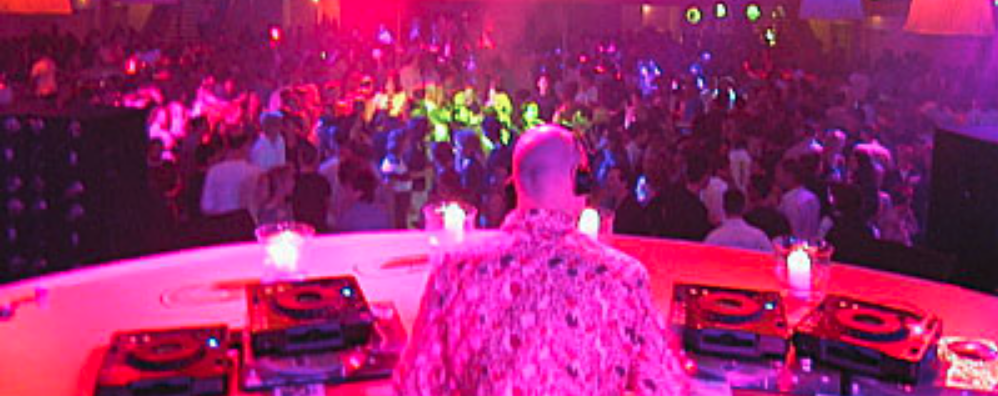
Meestermixer Ben Liebrand met Seventies-mix in TinekeShow op NPO Radio 5

Artikel geplaatst door de redactie in Nederland
· 1.614 weergaven
Op vrijdag 5 juli, tussen 12:00 en 14:00 uur op NPO Radio 5, komt mix-icoon Ben Liebrand naar de TinekeShow. De Nederlandse deejay woont in Canada, maar is deze week even in Nederland en dan kan een bezoek aan Tineke natuurlijk niet ontbreken. Speciaal voor Tineke en haar luisteraars maakte Bert een Seventies mini-mix, die hij vrijdag in TinekeShow laat horen.
Liebrand en de Nooij kennen elkaar al een tijdje. In 1986 – voor de komst van populaire elektronische muziek – liet Ben Liebrand in Tineke’s Veronica-televisieprogramma zien hoe hij zijn beroemde jaarmix maakt. Zo gebruikte hij voor jaarmix ‘86 onder andere 110 grammofoonplaten en vele meters plakband.
Natuurlijk komt Ben vrijdag met Tineke bijkletsen over al zijn draaikunsten en zijn grote successen in binnen- en buitenland: van grote optredens tot remix-hits en van Grandmix tot Mini-mix. En hij laat een TinekeShow-70’s-mini-mix horen, die hij speciaal voor Tineke en haar luisteraars heeft gemaakt.
Publiek is welkom bij deze uitzending! Aanmelden en meer info op de site van TinekeShow.



Aanbevolen antwoorden
Doe mee aan het gesprek
Je plaatst een bericht als gast. Indien je al een account hebt, kun je je nu aanmelden om het bericht met je account te plaatsen.
Opmerking: Je bericht moet eerst worden goedgekeurd door een moderator voordat het zichtbaar is.