




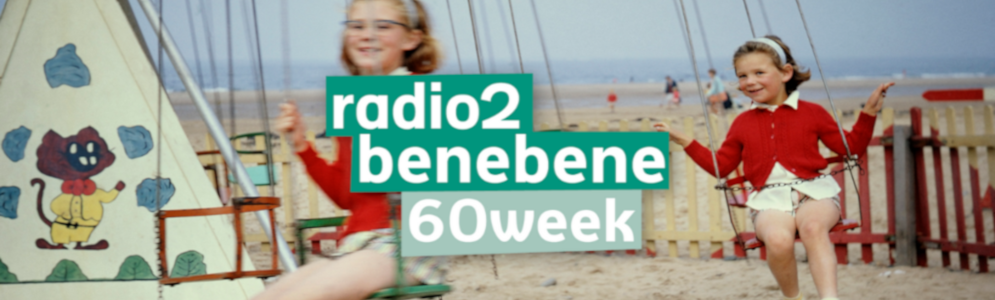
Radio2 Benebene 60-Week: Een terugblik op de Jaren 60

Artikel geplaatst door de redactie in België
· 806 weergaven
Vanaf maandag 22 mei neemt Radio2 Benebene je gedurende een hele week mee terug naar de bruisende jaren 60, met een selectie van enkel de grootste hits uit die tijd. Herbert Verhaeghe, Cathérine Vandoorne, Christel Van Dyck, Lars de Groote en Vanessa Vanhove zorgen van 06:00 uur 's ochtends tot 18:00 uur 's avonds voor een waar verjongingskuur voor je muzikale smaak.
Guy De Pré vertelt de fijnste anekdotes uit de jaren 60. Luisteraars van Radio2 Benebene en lokale artiesten delen hun herinneringen aan dit tijdperk, en gedurende de hele week maak je kans op gratis tickets voor het concert van John Fogerty van Creedence Clearwater Revival op donderdag 8 juni in het Sportpaleis.
Stem op jouw favoriete hits
Op vrijdag 26 mei is er de Radio2 Benebene Top 60 van 12:00 tot 16:00 uur. Dit zullen de 60 grootste hits uit de jaren 60 zijn, gekozen door de luisteraars van Radio2. Stemmen kan vanaf zondag 21 mei, 13:00 uur tot en met donderdag 25 mei 18:00 uur.
Radio2 Benebene 60-Week loopt van maandag 22 mei tot en met vrijdag 26 mei, dagelijks van 06:00 uur 's ochtends tot 18:00 uur uur 's avonds op Radio2 Benebene - de nieuwe digitale radiozender van VRT Radio2, met de beste audiokwaliteit via DAB+ en de VRT MAX-app.
-
 1
1


Aanbevolen antwoorden
Doe mee aan het gesprek
Je plaatst een bericht als gast. Indien je al een account hebt, kun je je nu aanmelden om het bericht met je account te plaatsen.
Opmerking: Je bericht moet eerst worden goedgekeurd door een moderator voordat het zichtbaar is.