Alle activiteit
Deze tijdlijn wordt automatisch bijgewerkt
- Vandaag
-



 warmeman is lid geworden van de gemeenschap


 Hendrik is lid geworden van de gemeenschap

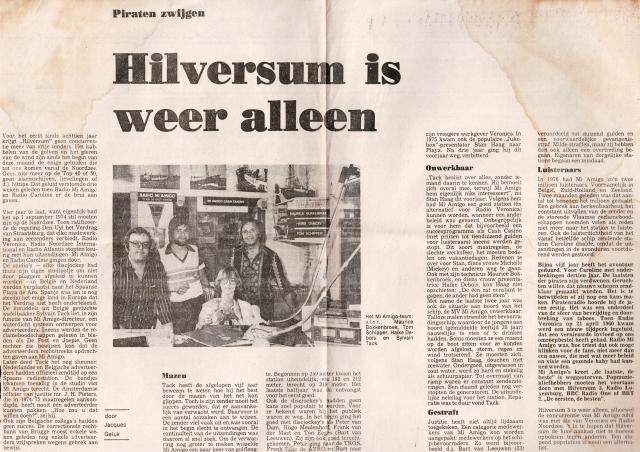


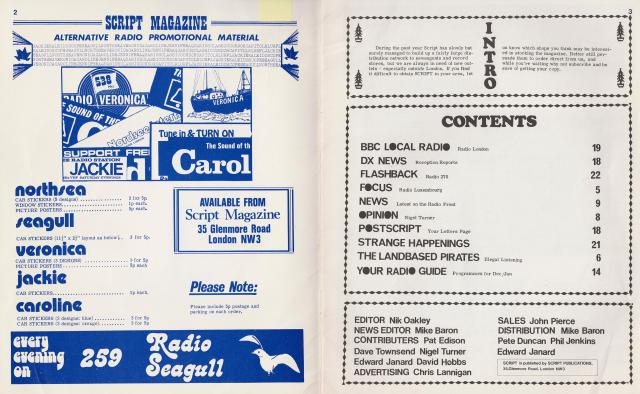
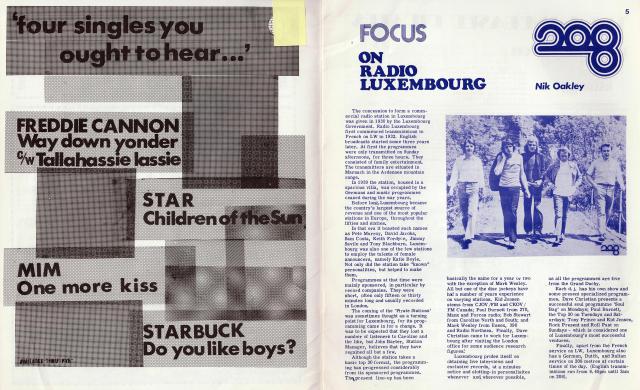
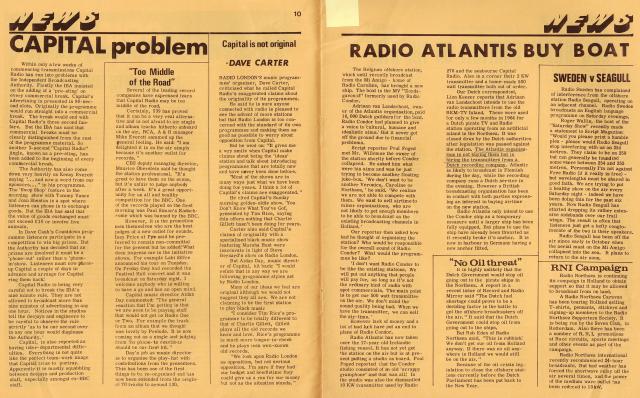
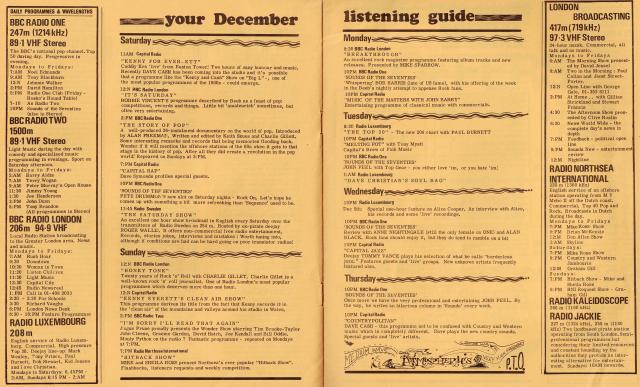
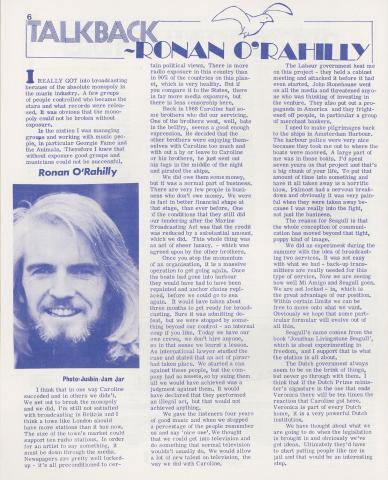
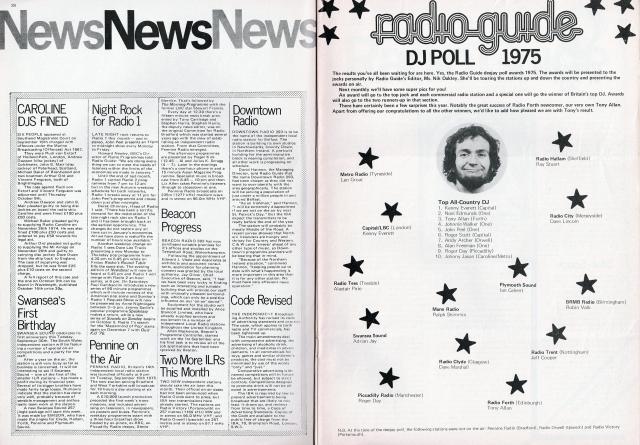
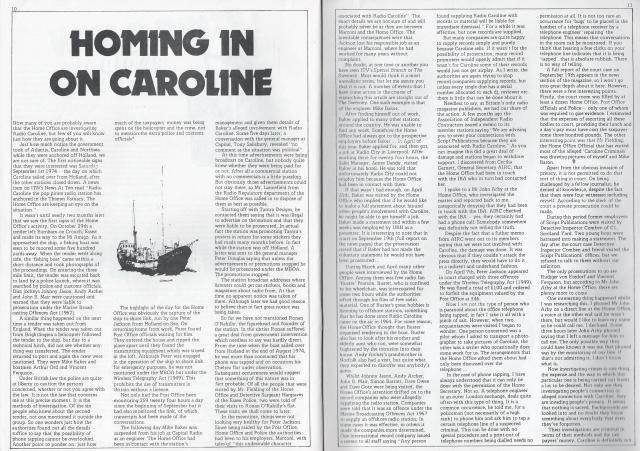
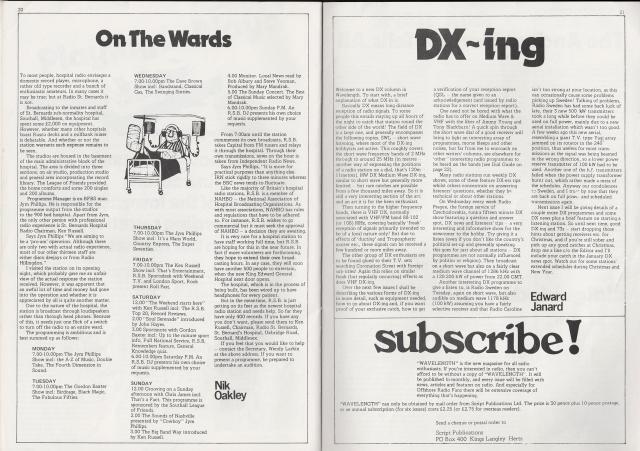
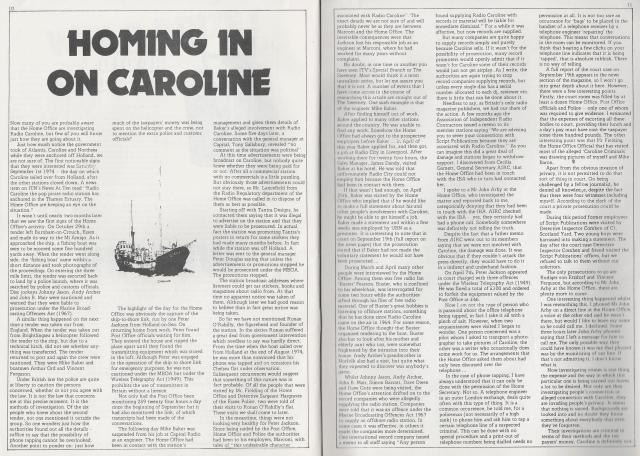
 Script 08 19731201
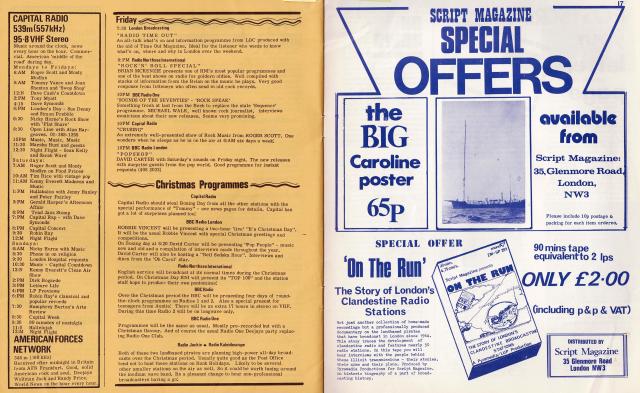
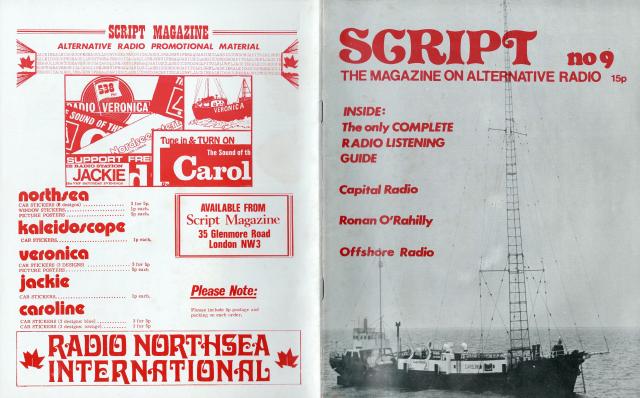
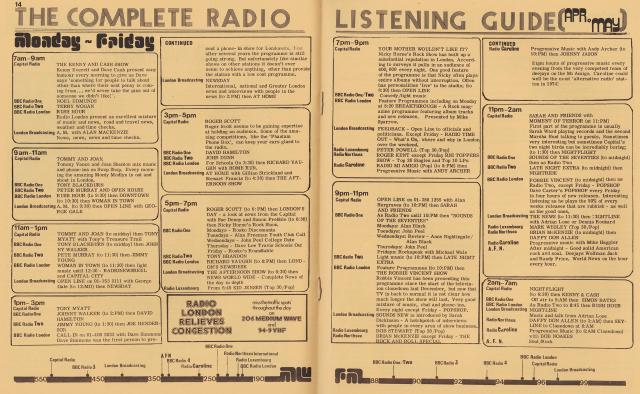
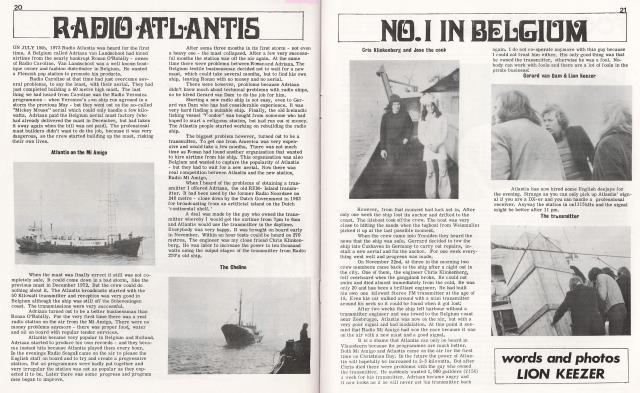
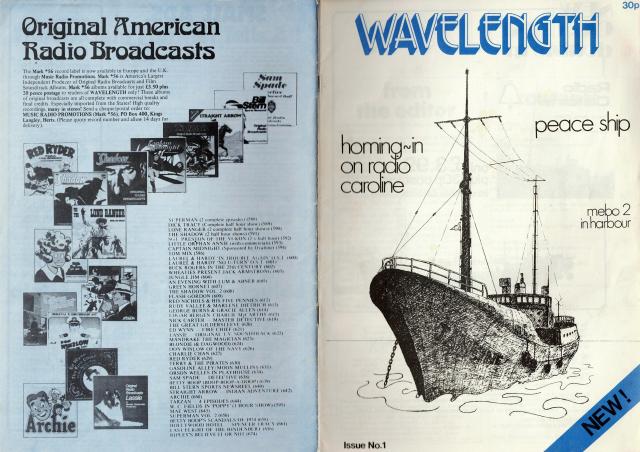
Script 09 19740401
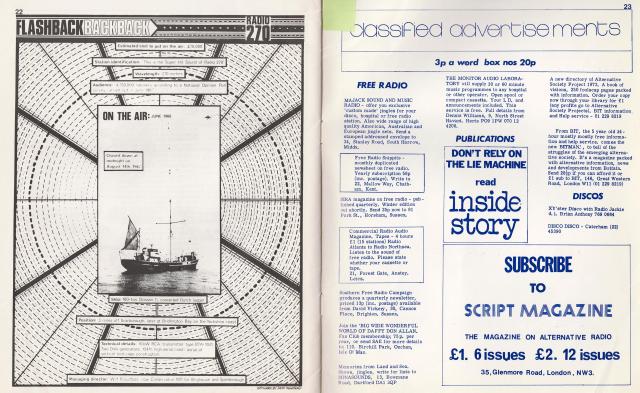
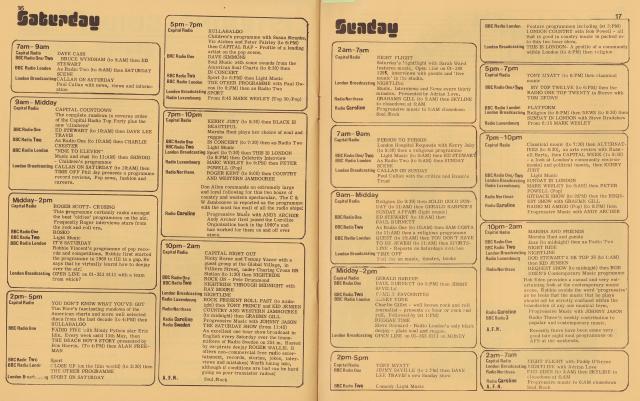
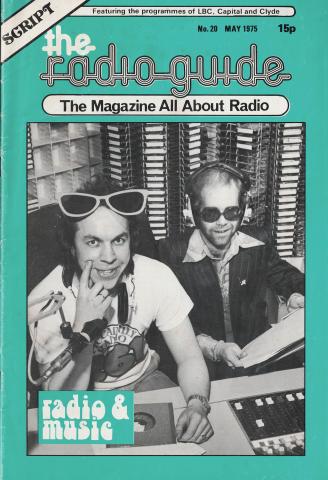
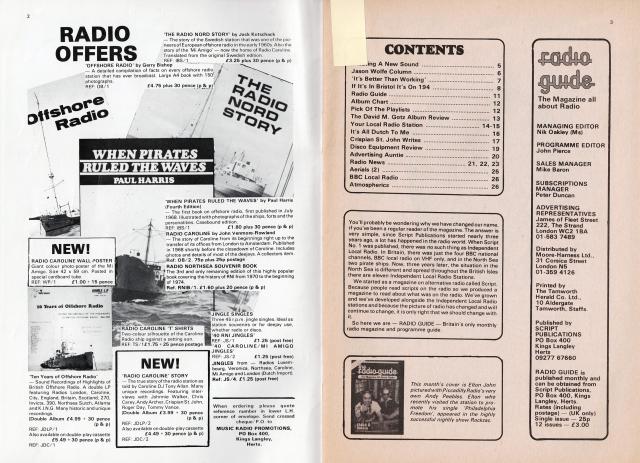
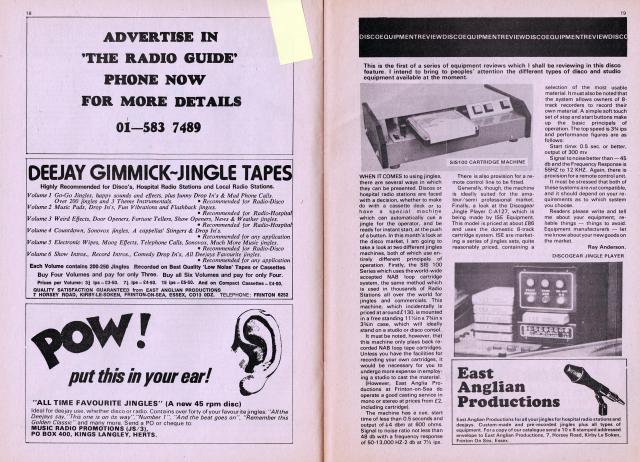
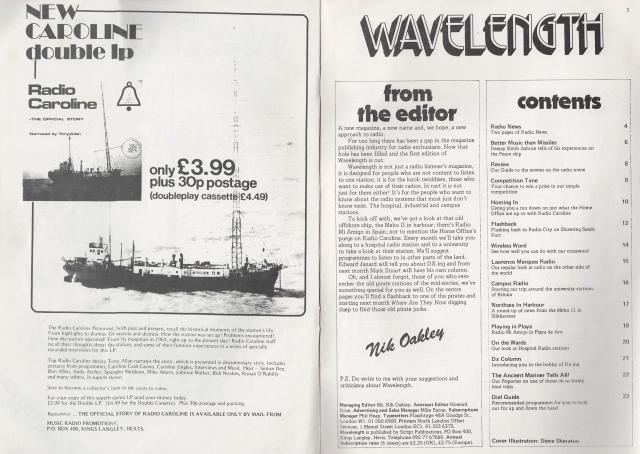
Script Radio Guide 01 19750501
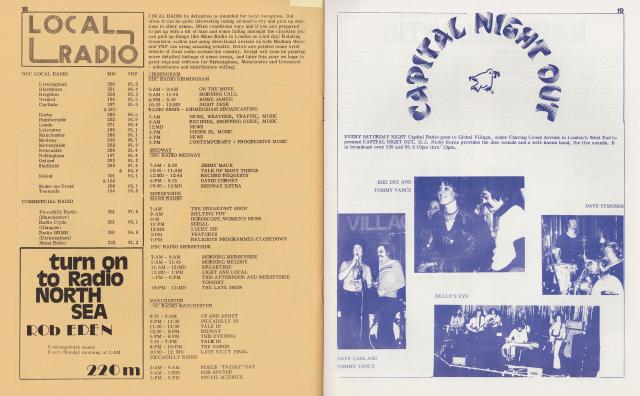
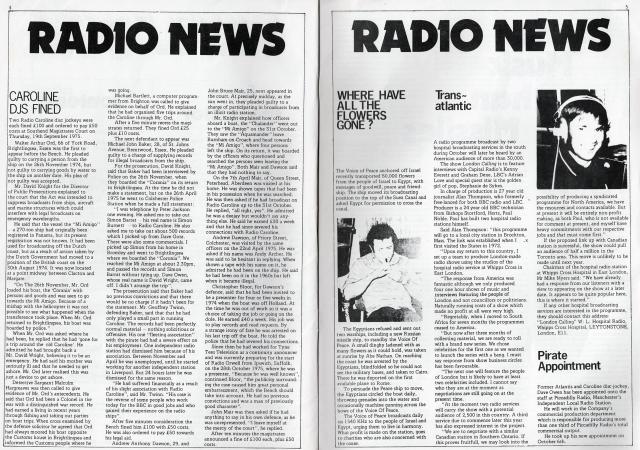
Wavelenght Issue no 1 19751001
Script 08 19731201
Script 09 19740401
Script Radio Guide 01 19750501
Wavelenght Issue no 1 19751001



Belangrijke informatie
Door gebruik te maken van deze website ga je akkoord met Gebruiksvoorwaarden, Privacybeleid en Richtlijnen.
Account
Navigation
Zoeken
Configure browser push notifications
Chrome (Android)
- Tap the lock icon next to the address bar.
- Tap Permissions → Notifications.
- Adjust your preference.
Chrome (Desktop)
- Click the padlock icon in the address bar.
- Select Site settings.
- Find Notifications and adjust your preference.
Safari (iOS 16.4+)
- Ensure the site is installed via Add to Home Screen.
- Open Settings App → Notifications.
- Find your app name and adjust your preference.
Safari (macOS)
- Go to Safari → Preferences.
- Click the Websites tab.
- Select Notifications in the sidebar.
- Find this website and adjust your preference.
Edge (Android)
- Tap the lock icon next to the address bar.
- Tap Permissions.
- Find Notifications and adjust your preference.
Edge (Desktop)
- Click the padlock icon in the address bar.
- Click Permissions for this site.
- Find Notifications and adjust your preference.
Firefox (Android)
- Go to Settings → Site permissions.
- Tap Notifications.
- Find this site in the list and adjust your preference.
Firefox (Desktop)
- Open Firefox Settings.
- Search for Notifications.
- Find this site in the list and adjust your preference.