
Jump to content
View in the app

A better way to browse. Learn more.

Radiotrefpunt

A full-screen app on your home screen with push notifications, badges and more.

To install this app on iOS and iPadOS
  1. Tap the Share icon in Safari
  2. Scroll the menu and tap Add to Home Screen.
  3. Tap Add in the top-right corner.
To install this app on Android
  1. Tap the 3-dot menu (⋮) in the top-right corner of the browser.
  2. Tap Add to Home screen or Install app.
  3. Confirm by tapping Install.
A group blog by de redactie in Nieuws
  • Entries

    8033
  • Comments

    2097
  • Views

    397195

Contributors to this blog

About this blog

Het laatste radionieuws uit Nederland en Vlaanderen

Entries in this blog

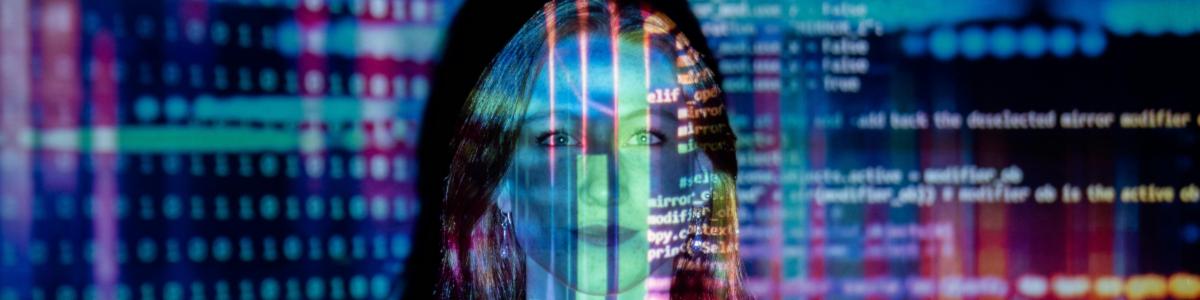
Een radiostation uit Sydney heeft maandenlang een door kunstmatige intelligentie gegenereerde presentator ingezet zonder dit aan het publiek te onthullen. Het station CADA, onderdeel van het Australian Radio Network (ARN), liet de dagelijkse show Workdays with Thy van november 2024 tot mei 2025 presenteren door een virtuele DJ genaamd Thy. Gedurende vier uur per dag introduceerde ze muziek en verzorgde ze commentaar, zonder dat luisteraars wisten dat ze naar een AI-stem luisterden. De digitale

Important Information

Door gebruik te maken van deze website ga je akkoord met Terms of Use, Privacy Policy en Guidelines.

Configure browser push notifications

Chrome (Android)
  1. Tap the lock icon next to the address bar.
  2. Tap Permissions → Notifications.
  3. Adjust your preference.
Chrome (Desktop)
  1. Click the padlock icon in the address bar.
  2. Select Site settings.
  3. Find Notifications and adjust your preference.