
Skip to content
View in the app

A better way to browse. Learn more.

Radiotrefpunt

A full-screen app on your home screen with push notifications, badges and more.

To install this app on iOS and iPadOS
  1. Tap the Share icon in Safari
  2. Scroll the menu and tap Add to Home Screen.
  3. Tap Add in the top-right corner.
To install this app on Android
  1. Tap the 3-dot menu (⋮) in the top-right corner of the browser.
  2. Tap Add to Home screen or Install app.
  3. Confirm by tapping Install.
A group blog by de redactie in Nieuws
  • Entries

    9,036
  • Comments

    2,653
  • Views

    844,262

Contributors to this blog

About this blog

Het laatste radionieuws uit Nederland en Vlaanderen

Entries in this blog

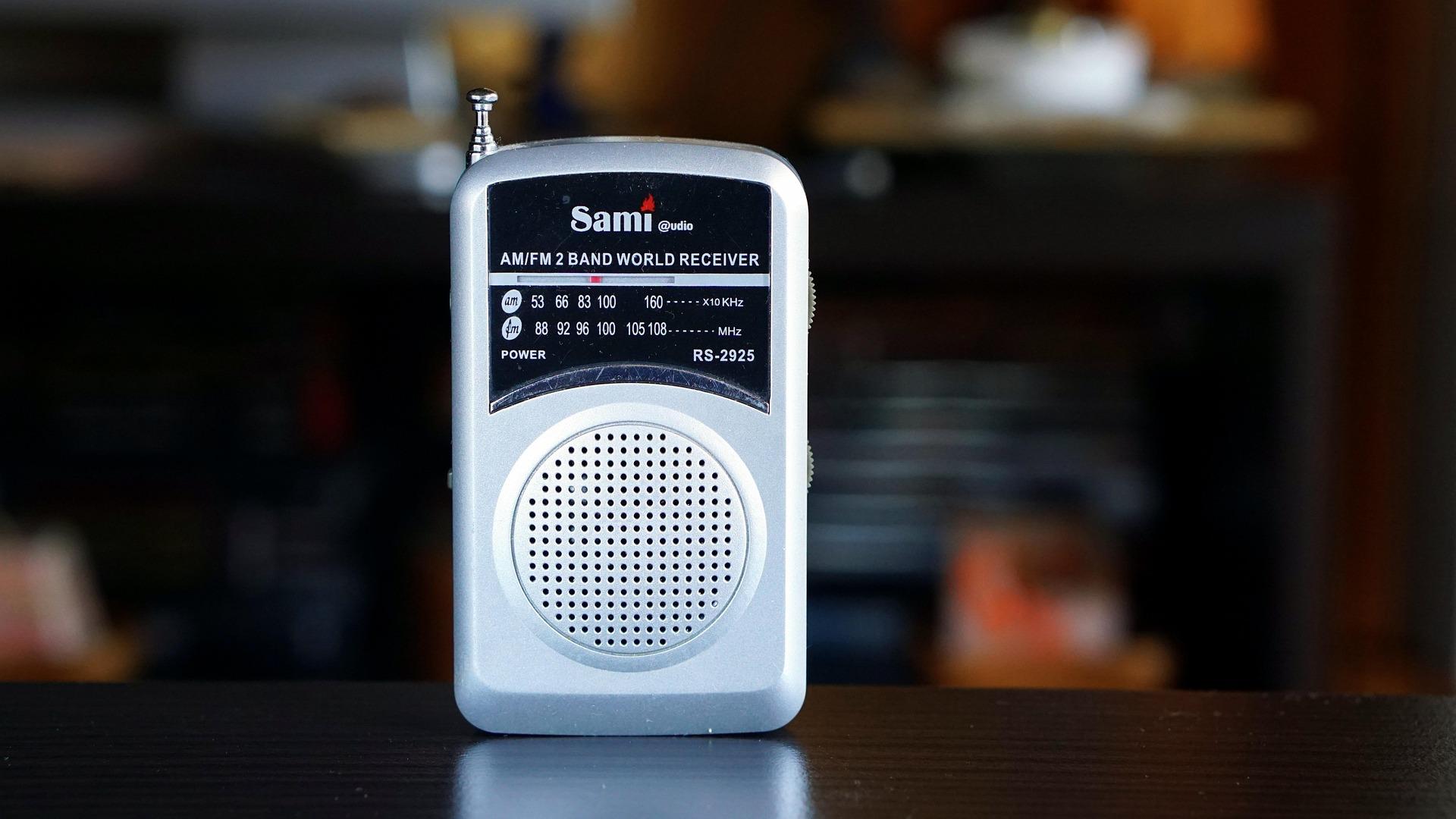
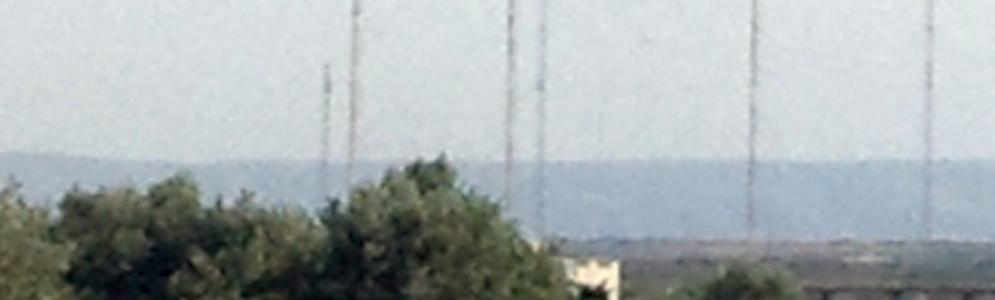
De langegolfuitzending van Médi 1 op 171 kHz is sinds september niet meer te horen. Volgens meldingen van DX-luisteraars is de langegolfzender bij Nador rond 10 september uitgeschakeld en sindsdien niet meer teruggekeerd. Een officiële bevestiging dat de uitzending op 171 kHz definitief is beëindigd, is er vooralsnog niet. Langegolfzender sinds september stil De eerste meldingen over het wegvallen van 171 kHz verschenen rond 12 september. DX-luisteraars meldden dat het signaal sinds ongeveer 10

Account

Navigation

Search

Search

Configure browser push notifications

Chrome (Android)
  1. Tap the lock icon next to the address bar.
  2. Tap Permissions → Notifications.
  3. Adjust your preference.
Chrome (Desktop)
  1. Click the padlock icon in the address bar.
  2. Select Site settings.
  3. Find Notifications and adjust your preference.